Pro3D, panoramas, scanning or video: choose based on the result you need
A business centre manager needs to show a vacant floor remotely. An architect needs survey data to redesign that same floor. A marketer needs a short promotional video. It's the same property, but ordering the same “3D capture” service for all three is impractical: an attractive walkthrough cannot replace a verified measured survey, and a large point cloud alone tells a prospective tenant little.
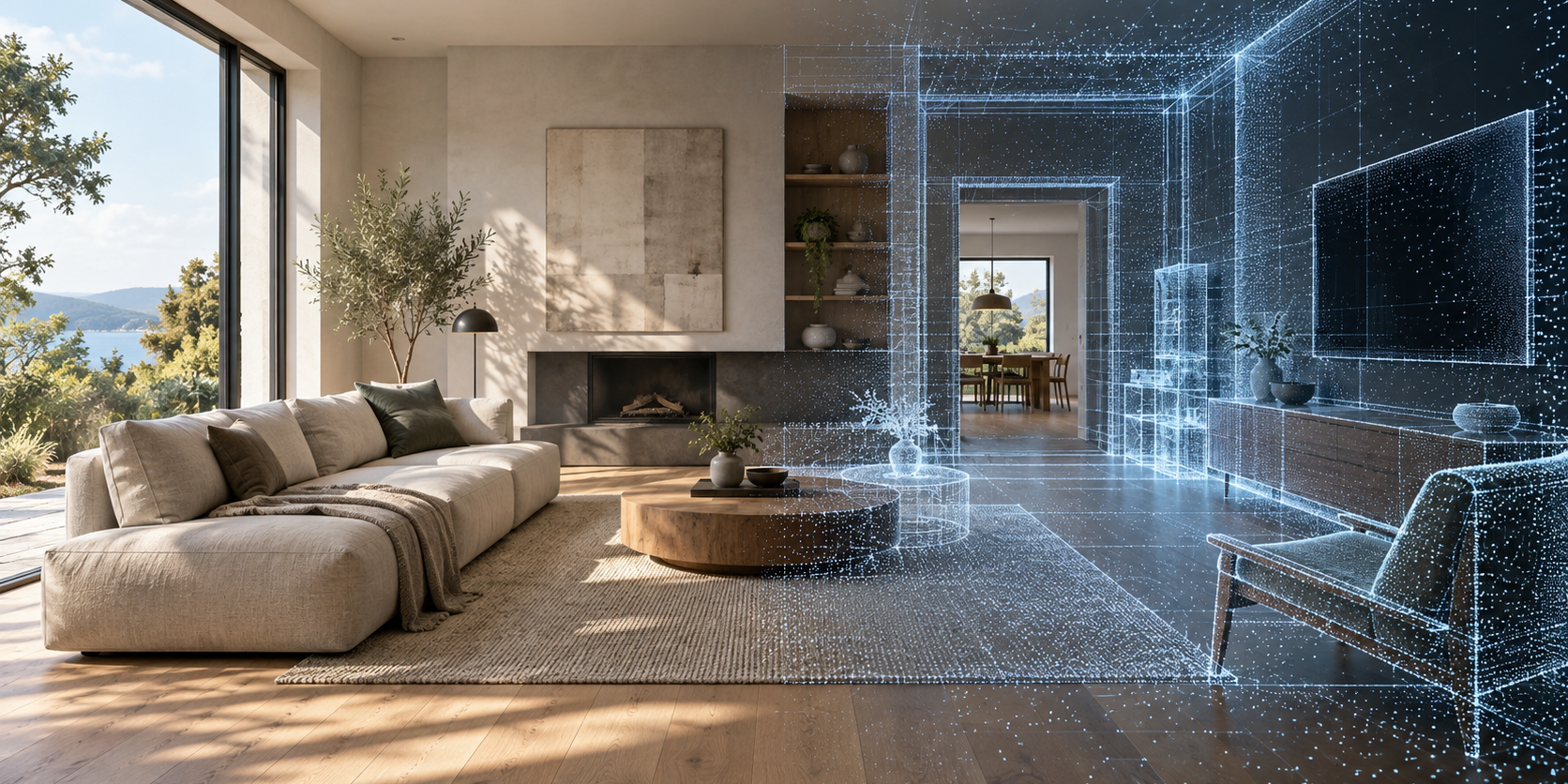
Illustrative diagram. The exact deliverables are agreed in the project brief.
Start by asking: what decision should someone be able to make after viewing the content or receiving the files? The answer determines the capture route, deliverables, accuracy requirements and storage arrangements. Choose the camera to meet those requirements.
What similar-sounding terms actually mean
360° panorama —an image showing the surroundings from a single point. Viewers can look in different directions, but this does not give them the coordinates of every surface. Panoramic tour links several such images through transitions: viewers can move from the entrance into the main room, then into a meeting room. Plans, menus and information hotspots are added when the tour is assembled. For example, Pano2VR documents how to create web output that can then be uploaded to a web server of your choice. Pano2VR documentation.
3D tour with a spatial model combines a visual walkthrough with the geometry of the space. Pro3D describes its own workflow: the PRO3D Capture app, the PRO3D Core processing engine, a player and hosting in Russia. You can hire an operator to capture the space or do it yourself using a supported device. However, the platform name does not establish what each deliverable is suitable for: the proposal should specify the capture method and the materials the customer will receive. Pro3D platform overview.
Laser Scanning is primarily intended to capture spatial data. It can produce a point cloud, which can then be used to create drawings or a model. Photogrammetry reconstructs shape from photographs taken from different angles. Video shows a sequence chosen by its creator; even in 360° video, viewers generally choose only where to look, while the video determines movement and duration.
These terms describe different aspects of the process. “Tour” describes how the result is used; “scanning” describes how the data is captured. They can be combined, but should not automatically be treated as interchangeable.
Compare the complete deliverables
| Task | A sensible starting point | Deliverables to request | What to check separately |
|---|---|---|---|
| Showcase the atmosphere and layout of the event spaces | Panoramic or spatial tour | Working walkthrough, floor plan, navigation and links | Mobile viewing and ease of navigation |
| Provide an initial understanding of the layout | Tour with a model and floor plan | Walkthrough and agreed floor plan | Intended use of dimensions and measurement limitations |
| Prepare for renovation of the premises | Measured survey to the technical specification | Point cloud, verification, drawings or model | Accuracy of the results and completeness of coverage |
| Digitise an object from all sides | Photogrammetry or object scanning | Model and textures | Glare, gaps, scale and export format |
| Quickly communicate the property's benefits | Photography and video | Finished files tailored to the publishing channels | Editing, duration, usage rights and legibility |
The table is a guide to defining your brief, not a universal quality ranking. For example, an expensive scan will not make a promotional video more compelling. And a well-lit panoramic tour may be more useful than a model when a visitor needs to choose a banquet hall based on its interior.
Three practical scenarios to help you choose
Imagine a restaurant in Yekaterinburg receiving banquet enquiries from neighbouring cities. Customers want to see the private dining room, entrance, cloakroom and access to the terrace. What they need is a short, easy-to-follow route, photos of the table settings and an enquiry button next to the relevant room. A point cloud need not be included in the deliverables at all. The manager provides the exact capacity and availability: imagery does not replace the current seating plan.
Another hypothetical example is an office in Almaty awaiting renovation. The designer needs column locations, heights, openings and visible building services. The survey should be planned together with the designer. A brief to “create an attractive tour” leaves questions about coordinates, accuracy and concealed areas unanswered. Creating a model from the scan also requires work by a design professional: Autodesk describes the point cloud as source data used to create BIM model elements. Using a point cloud in Revit.
The third example is a furniture manufacturer in Minsk. A tour suits the showroom, a separate object model suits an individual armchair on the website, and a video suits social media posts. A single interior shoot does not guarantee a high-quality product model: small details and surfaces require their own set of views. It is better to list the deliverables separately in the quotation and agree on a sample of each.
The limits of accuracy claims
A measurement tool in the interface does not, by itself, mean the data is suitable for manufacturing a product. The capture technology, distances, surface visibility, registration of scan positions and method of selecting measurement points all matter.
Pro3D's scanning page lists plans, E57, DWG and BIM among the possible deliverables and recommends discussing accuracy requirements for technical tasks in advance. This is the right starting point: the description does not establish a fixed tolerance for every dimension measured in the finished tour. That tolerance needs to be set out in the specific technical brief, together with the verification method. Pro3D interior scanning.
If you need to fabricate a staircase or check deviations in an installed connection, first agree on the acceptable measurement error for that specific task. The contractor can then propose a survey method and verification procedure. Asking for abstract “maximum accuracy” is less useful than identifying a few critical dimensions and specifying how to check them.
The same applies to photogrammetry. Using a model for measurements requires reference data or known distances. The Agisoft manual specifically warns about the difficulties of capturing shiny, transparent and textureless surfaces. A model of a glass display case or a white wall should therefore be checked on a small section first. Metashape 2.3 manual, image capture and scaling sections.
Why “one scan will cover everything” often increases the budget
A single project can indeed produce several deliverables. However, each requires its own processing and acceptance checks. A marketing walkthrough is checked visually and on a phone. Drawings are checked for completeness, scale and reference dimensions. A model is checked against the agreed elements and tolerances. An archive is checked by testing restoration.
A hybrid approach is useful when the objectives are clear. For example, a spatial tour shows how floors connect, separate photographs show equipment, and a measured survey covers a specific area being renovated. The whole property does not necessarily need to be captured at the same level of detail. You can define zones: a public tour route, a technical area and rooms excluded from the deliverables.
This approach is particularly useful when the client, property and designer are in different cities across Russia or the CIS. Everyone knows in advance which work can be done remotely and which data genuinely requires another site visit.
What to tell the contractor before requesting a quote
A useful project brief fits on one page. It should include:
- Users: who will view the tour and who will work with the files; list their actual roles.
- Solution: select a space, approve a concept, develop a design or document the current condition.
- Scope: floors, entrances, grounds, technical areas and restricted rooms.
- Deliverables: a link, web package, panoramas, video, point cloud, drawings and model—each on a separate line.
- Verification: which surfaces, dimensions and tour transitions must be checked.
- Placement: a website, selected platforms or local viewing; specify the audience’s devices and countries.
- Updates: what may change and who will keep the content up to date.
- Handover: archive contents, access credentials, usage rights and the process for changing contractors.
Simply attach a floor plan and a few ordinary photographs. These will help assess the route and potential difficulties before discussing the number of capture positions.
How to compare two proposals
Compare the same set of deliverables, rather than technology names. Are site preparation, processing, hosting, migration and updates included? Who signs off on the survey data? Is there a sample delivery, and can your specialists open it? What happens to the link when the paid period ends?
If a proposal costs less because it includes only a public link, it is not equivalent to a delivery that includes an editable project and engineering files. It may still be the right choice if a link meets your needs.
Questions and Answers
What should I request for remote property viewings?
To explore a space, viewers need an easy-to-use visual walkthrough that clearly shows entrances, room layouts and routes between rooms. Pro3D also lets you inspect a spatial model. A panoramic tour can also suit a range of tasks; choose based on the result you need and a sample you have tested on a phone.
Can an attractive 3D tour replace a measured survey?
A visual walkthrough alone is not enough for design work. The method for capturing geometry, acceptable tolerances, reference dimensions and required files must be agreed. Even measurements available in the viewer do not automatically confirm that every dimension is suitable for fabrication or renovation.
What should I prepare before requesting a capture quote?
Provide a floor plan, the number of floors, a list of rooms and a few ordinary photographs. Specify who will use the deliverables, where they will be hosted and what materials you need besides a link. This helps price the work for a specific purpose, rather than a vague request to do everything in 3D.
Can one project include a tour, video and engineering files?
These can all be included in the brief, but each deliverable requires its own preparation method and acceptance checks. List the public tour, promotional video and data for the designer on separate lines. The contractor should confirm which deliverables the selected capture method can support and what additional processing will be needed.
Next step
For an initial estimate, use the 360° Space calculator and attach a list of deliverables. Then discuss an interactive tour, capture and the technical materials you need using Pro3D software. The more specific the intended use, the easier it is to request the right deliverables and avoid paying for unnecessary processing.
Order a 3D tour for your property
Leave your contact — we'll respond within 30 minutes and calculate the cost