A Pro3D tour for hotels and restaurants: the guest journey, updates and a ready-to-use project brief
A guest is choosing between two rooms and cannot tell how they differ apart from size. Someone planning a banquet is trying to picture the route from the entrance to a private room. A family asks how far their building is from the breakfast area. Good interior photography does not always answer these questions: it shows a single viewpoint, while people need to understand how spaces connect. Pro3D is a software development company; laser scanning is a method of capturing data about a property.
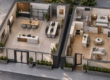
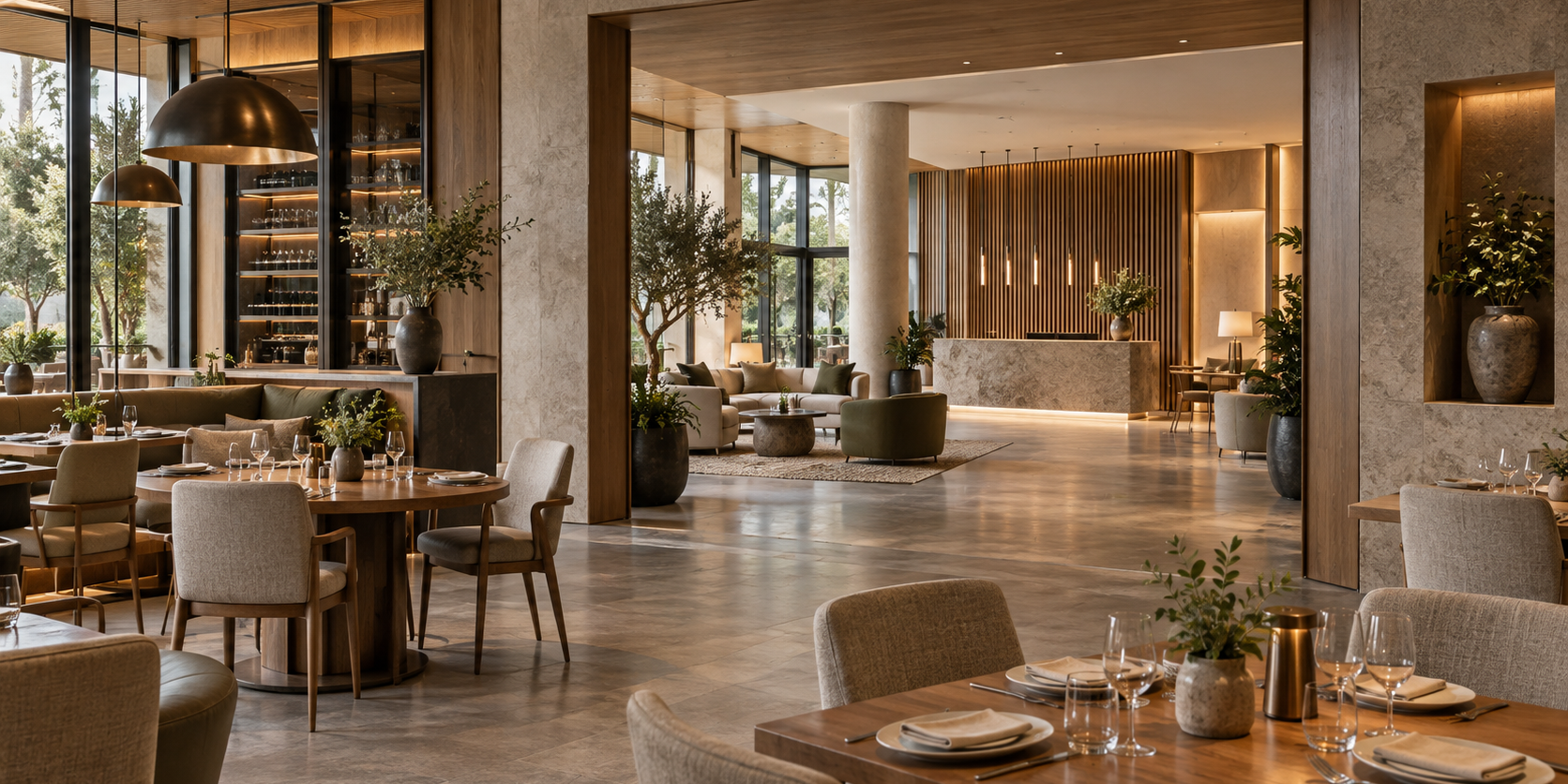
Illustrative diagram. The exact deliverables are agreed in the project brief.
It helps to build the tour around these questions. It then becomes part of the decision process: visitors explore the space they are interested in and return to their booking or enquiry. This requires a clear route, an accurate match to the category, up-to-date content and an obvious next step.
Start with a list of guest questions
For a hotel, ask the receptionist what they have to explain most often. Where is the desk? What does the bathroom look like? Is there a door between the bedroom and living room? What is the view from the balcony in a particular room category? How do guests get from their building to the restaurant?
For a restaurant, the questions are different: where is the banquet room, how separate is it from the main dining area, where are the cloakroom and toilets, and how do guests reach the terrace? A virtual tour helps people understand the layout, but the manager must confirm the current capacity, noise restrictions and event terms.
There are dedicated pages about tours created using software developed by Pro3D for hotels And restaurants. These can be a useful starting point for discussion, while acceptance criteria should be based on questions specific to your property. Claims about benefits for an industry do not amount to measured results for a particular establishment.
For hotels: show an accurate representation of the room category
If a category includes several layouts, make this clear. A tour of a spacious corner room should not suggest that every room in the category has the same layout. A label such as “example room” helps, but significant differences are best listed alongside the content.
Balconies, window views and the condition of finishes also need careful descriptions. A tour shows the room captured on a particular date. If the room location is assigned at check-in, the images should not imply a promise of a specific view.
For a hypothetical country hotel near Minsk, a sensible starting point would be a few representative room categories, the lobby and routes to shared areas. For a city hotel in Kazan, the focus could be on room differences and the needs of business guests. These are examples of how to choose a route, not completed case studies or claims of guaranteed booking growth.
For restaurants: several focused routes instead of one long walkthrough
A dining guest cares about the atmosphere and table layout. An event organiser needs to see the private room, entrance, cloakroom and guest reception area. A venue manager needs a way to discuss different options for setting up the space.
These journeys can be separated using a menu or clearly labelled starting links, provided the chosen player and tour setup support the navigation required. For banquets, it helps to show several agreed layout options as separate photographs or plans. A tour showing one table setup cannot represent every possible arrangement.
A hypothetical restaurant with a terrace in Almaty could offer a main route through its dining rooms and a separate seasonal section. The winter version of the terrace should be clearly identified as such, rather than quietly replacing the summer view. Linking dated versions is easier than explaining the discrepancy to every customer.
What content to add to the space
Pro3D lists tags, photos, videos and links among its tour features. This makes it possible to plan information points alongside the route. But content should be selected sparingly: a long price list in every corner gets in the way of exploring. Planning an interactive tour in Pro3D.
| Location | Useful addition | What to check |
|---|---|---|
| Guest room | Category differences and a link to its page | Does the description match the option being booked? |
| Banquet room | Seating plans and a way to contact the manager | Are the terms and capacity up to date? |
| Spa or shared area | Opening hours and booking procedure | Who updates the rules when they change? |
| Entrance and grounds | Brief directions | Does the route reflect actual access? |
| Terrace | Season and capture date | Could the seasonal view be mistaken for the current setup? |
It is best to keep prices and schedules where the team already updates them. Instead of duplicating a price list across several tags, link to the current page. This reduces the risk of the website and tour presenting different terms.
Embedding and booking are two separate tasks
Embedding a viewer on a page and connecting it to a booking system involve different scopes of work. The first step presents the space. The second must direct the user to the correct category, event space or form.
Pro3D describes embedding through a supported iframe or HTML block. Tilda websites use the T123 block; custom code should be tested on the published page because the editor does not fully reproduce how it works. Embedding Pro3D tours, Tilda instructions.
The simplest next step is a link to the relevant booking or enquiry page. Automatically filling in the category, dates and number of guests requires a separate integration. This should be checked against the specific system’s documentation and tested from start to finish, including in a mobile browser. Compatibility with every PMS cannot be promised in advance.
How to prepare for the shoot without a last-minute rush
Agree on a time when the space will look as intended and be accessible to the operator. Prepare the lighting, textiles, furniture and doors that need to be opened. Remove documents, screens displaying guest data and stray items from view. The staff member in charge should know the route and the list of rooms.
Avoid adding details purely for effect if they are not normally included in the service. If decorations or table settings are available only at an extra charge, explain this. When an event space is captured in a special configuration, it helps to label its intended use alongside the tour.
Before the site visit, check constraints such as staff shifts, access to occupied rooms, kitchen opening hours and routes through staff-only areas. Include only agreed areas in the project brief. A public-facing tour and an internal technical archive may be separate deliverables.
Agreeing on updates and when a new shoot is needed
Replacing a phone number, description or link is an information update. A new partition, rearranged furniture or a renovated bathroom is a change to the space. These cases should be addressed separately in the support agreement.
Pro3D describes tools for managing tour publication, updates and settings. However, the specific method for replacing changed areas needs to be agreed for each project; a general editing feature does not mean that any geometry can be updated without a new shoot. Managing projects on Pro3D hosting.
Assign someone to keep the content up to date: a receptionist, marketing specialist or manager. During renovations, this person should review the scene list and remove outdated material from the public page. It helps to record the version date in a simple spreadsheet alongside the tour URL and room category.
A ready-to-use project brief for managers
Include the city, property plan, room or event space categories and guest questions in your enquiry. Specify the entrance, route, shared areas required and rooms to exclude. List the tags and provide approved text, links and interface languages.
Separately identify the pages where the tour will appear, the booking system and the next step required. Ask for checks of phone usability, links to the correct category, loading over a mobile internet connection and the return to booking. For presentations without an internet connection, request and formally accept a separate offline deliverable.
Acceptance testing should involve a staff member who knows the property and the person responsible for the website. The first checks that the images accurately represent the service; the second checks the links and enquiry journey. After launch, monitor guest questions and clicks through to the enquiry form, without treating views as proven revenue growth.
Questions and Answers
Can one room be shown instead of all hotel room categories?
Guests should be able to tell which room category they are viewing. If layouts and amenities differ, show the relevant options or clearly explain the differences. One impressive room shown without explanation can create expectations that another room may not meet. It is best to link the tour to the page for that specific room category.
Does a virtual tour replace a booking system?
The tour helps guests explore the space, while booking is a separate step. Check that links lead to the correct room, dining area or enquiry form, and that the terms are up to date. Having a tour on your website does not in itself confirm integration with any hotel management system or table reservation service.
When should a hotel or restaurant tour be updated?
Review it after renovations, layout changes, room refurbishments or significant changes to dining areas. Guests need an accurate idea of what to expect: a former passageway or discontinued room category should not appear to be currently available. Agree on the update process and the areas that need to be captured again with your service provider in advance.
What should you check before promoting a tour in advertising?
Open it on a phone using the same link your guests will see. Check that it shows the correct room category, that navigation works, that the enquiry button is accessible and that it leads to the correct page. After sending a test enquiry, make sure the manager can tell which room or dining area it concerns.
Next step
To discuss your budget, send a floor plan and a list of room categories via 360° Space calculator. Attach the tour route and finalised copy to your enquiry for a hotel or restaurant. This will help focus the discussion about Pro3D on your guests’ questions and the process for keeping the content up to date.
Order a 3D tour for your property
Leave your contact — we'll respond within 30 minutes and calculate the cost