How to preserve a Pro3D tour: hosting, transfer, archiving and offline viewing
Today, your marketing specialist opens the tour via a link. A year from now, you may need to move it to a new website, show it in a meeting room without internet access or hand it over to a colleague in another department. Unless these scenarios are agreed in advance, your company may be left with just a page URL and no clear way to maintain the tour. Pro3D is a software developer; laser scanning is a method of capturing data about a property.
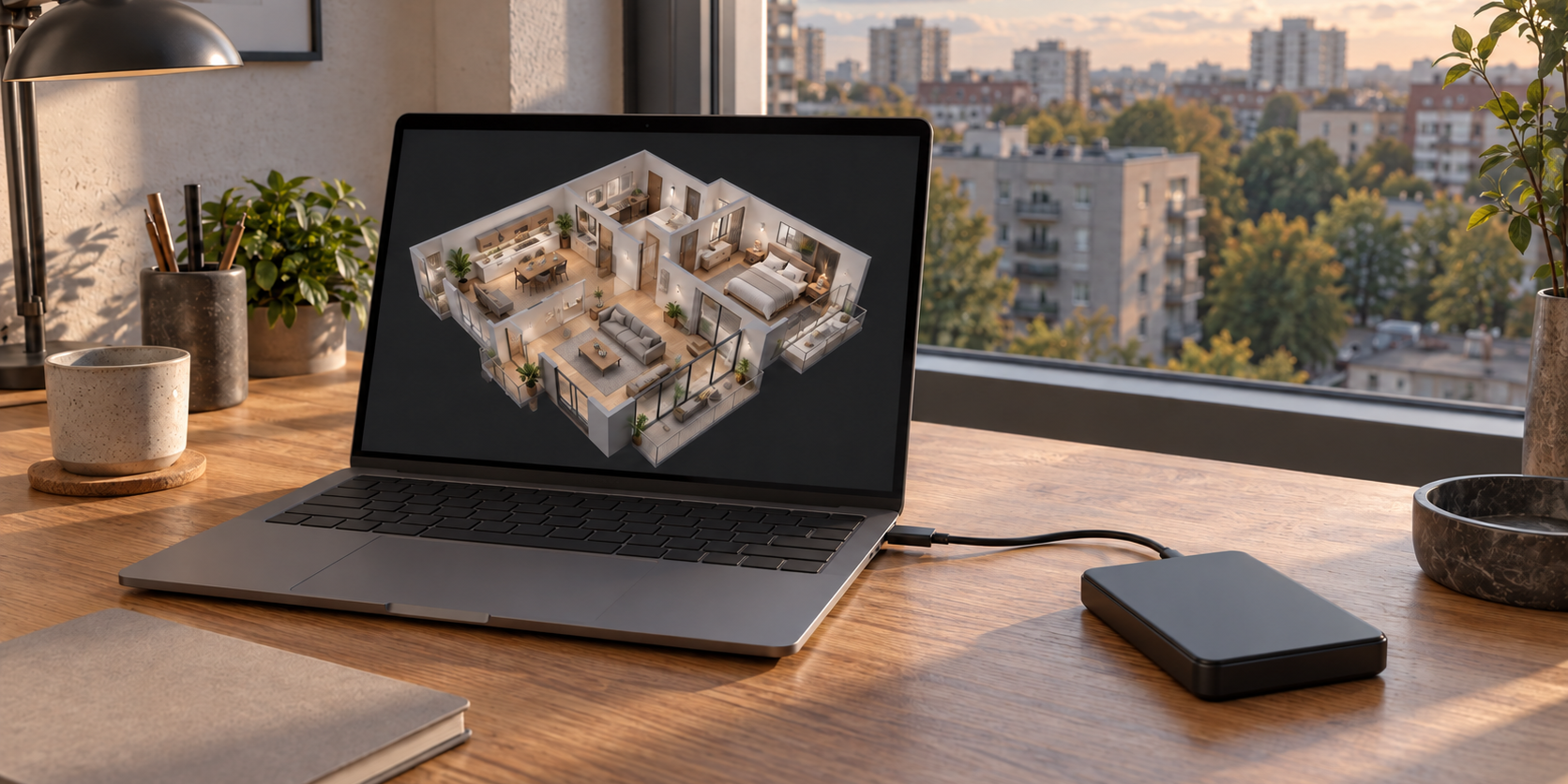
Illustrative diagram. The exact deliverables are agreed in the project brief.
Discuss storage arrangements when planning the capture. It is important to distinguish between publishing for customers, archiving a project, transferring it to another owner and offline viewing. These are different operations, even if they are managed through the same account.
Four different deliverables often referred to as a “copy”
A link opens a hosted tour. It is convenient for websites and correspondence, but it does not explain the renewal terms and is not itself a backup.
An export of the completed tour is intended for transfer or standalone viewing. Source materials are needed for subsequent editing and processing. Engineering files — a point cloud, plans or a model — are used in specialist software. Receiving one deliverable does not mean that all the others are included.
The Pro3D FAQ lists a downloadable tour archive, an offline version, E57, floor plans and a package for designers. Agree on the specific deliverables for your project: these names refer to different materials. Pro3D FAQ.
What is officially stated about hosting
Pro3D offers hosting in Russia, access via a link and website embedding. Embedding requires a supported format and the ability to add an iframe or HTML block. Transferring an existing project depends on its source data and format. Pro3D hosting and migration.
This is a convenient foundation for an agency or a business with multiple properties: each tour has a URL that can be included in sales materials. However, server availability and access for a particular customer are related but separate matters. Corporate restrictions, mobile connectivity and browser compatibility still need to be checked.
For audiences in Russia, Belarus and Kazakhstan, draw up a short list of test scenarios. These could include an office computer, a typical phone using mobile data and the actual device that will be used for presentations. Focus on the scenarios you need, rather than trying to prove that the tour works on every possible network.
A platform archive and a backup serve different purposes
According to the Pro3D FAQ, archiving a tour frees up the slots it occupies. Archiving is described as free and indefinite, with three restorations per month included free of charge. A large tour may occupy several slots: this depends on the number of scan points, as explained on the pricing page. These are the website’s terms as of 14 October 2026, not a guarantee that pricing will remain unchanged indefinitely. Archiving in the FAQ, tour size and slots.
Archiving is useful for a sold apartment or a finished exhibition. But storage within an account does not replace a separate recovery package if your company wants control over its own copy. Your requirements should state explicitly what must be retained after standard hosting ends and who can access those materials.
For a large portfolio, keep a register with the property, capture date, link, status, owner, export location and date of the last check. This helps identify tours that still show outdated contact details or properties that have already been sold.
Full Pro3D tour export and local viewing
On its hosting page, Pro3D states that a complete tour can be exported to the customer’s server, retaining menus, tags and contact details, with online and offline viewing supported. Pricing depends on the tour’s size. The same page describes the offline version as launching on a computer with a double-click. Export and offline viewing on the Pro3D website.
Specify the operating system and device when requesting the service. A statement about computer support does not automatically imply support for every VR headset, phone or kiosk. A particular display, keyboard-free controls or multiple offline workstations require separate delivery arrangements.
The published academy module gives this path: tour page in your account → “Export” section. A tour archive and a standalone application are separate paid service options. The module lists Mac and Windows for the application; the custom menu is retained, while the enquiry form becomes a button that opens an email application. This is a significant change in behaviour that should be checked before a presentation. Pro3D guide to export and offline viewing.
Ask for a sample and a list of retained features. Clarify whether videos, documents and images in tags are included or whether some remain external links. Pro3D’s documentation is being published in stages; obtain detailed server deployment instructions with your chosen package. Documentation status. The public description and testing of the delivered package serve different purposes.
Why double-click launching should be tested on the intended device
Different products handle offline use differently. For example, the krpano documentation explains browser restrictions on opening interactive files directly from a drive and suggests using a local web server. Pano2VR has a separate desktop Package Viewer. Running krpano locally, Pano2VR desktop viewer.
These are examples of alternative ways to run a tour, not instructions for software developed by Pro3D. They show why the phrase “we’ll provide the HTML” does not, on its own, establish whether a tour works offline. Guidance from another player’s documentation cannot replace instructions for the specific product.
For software developed by Pro3D, follow the instructions for the build you receive. Any required application, local service or installation must be documented in advance as part of the delivery. This allows an administrator to check the package before the event and a manager to launch it again without a developer’s help.
A practical test before the exhibition
Copy the package to the laptop you will use at the exhibition stand. Set it up according to the instructions, then disconnect it from the internet. Relaunch the tour and follow the entire route, including all floors, menus and information points.
Check the media and documents. A link to an external website will not work without internet access; replace it with local content or mark it as unavailable in this mode. The enquiry submission button may also require a network connection: offline viewing does not mean data can be sent offline.
Repeat the check after restarting the device. This helps distinguish a complete local package from a tour that happened to keep working in an already open tab. For acceptance, keep a brief test record covering the device, package version, network mode, sections tested and any issues.
What to check when hosting on your own server
| Requirement | Practical check |
|---|---|
| Package delivery | File inventory and successful deployment following the instructions |
| Tour routes | All rooms and agreed start pages open correctly |
| Materials | All required media, documents and tags are included |
| Access | Public and restricted access have been tested separately |
| Support | Responsibility for the server, updates and backups has been assigned |
| Migration | A procedure for changing the address and checking old links has been agreed |
If a closed network environment is required, involve the administrator before commissioning the tour. They will determine which external connections are permitted and check the actual package. Hosting in Russia or using the word “offline” does not, on its own, demonstrate compliance with an organisation’s internal requirements.
Agree on backup arrangements separately. A backup is useful when it can be restored. Periodically test that the archived copy runs in a separate location without affecting the live tour.
A one-page handover record
Record the tour’s purpose, capture date and scope. Specify the account owner, publication address and hosting period. List the finished package, source materials, engineering files and instructions as separate items.
Include the devices intended for offline presentations, a list of external dependencies, usage rights, update terms and support for switching providers. Before migrating a third-party project, have its source format checked; compatibility with one project does not establish compatibility with every other project.
This handover record is useful for both a small restaurant and an agency managing dozens of properties. It allows someone who was not involved in the capture process to understand what the company received and how to use it.
Questions and Answers
How does a Pro3D archive differ from an offline copy?
Archiving concerns the storage and status of a property on the platform. An offline package is intended to run on a chosen device without accessing the cloud. Moving a property to the archive does not automatically create an application for a laptop; the contents of the local package and the terms for obtaining it are agreed separately.
Will the tour work without an internet connection?
This needs to be verified for the specific delivery. Disconnect the target device from the network and check that the tour launches, navigation works, and the model and required materials are accessible. External videos, maps and other resources may have their own dependencies; a saved link or a regular browser tab does not demonstrate offline functionality.
What should a locally hosted tour handover package include?
Specify the version, target operating system, complete file set and launch instructions. Include details of required dependencies, access, updates and who is responsible. The recipient should be able to follow the instructions to reproduce the tested launch, without having to reconstruct the setup from the provider’s memory.
Is an offline player sufficient for future editing?
Viewing and editing are different capabilities. If changes are planned, agree separately on the handover of the necessary source materials and project files. A finished application or web package may be intended for viewing only, so check which materials are needed for updates before accepting the delivery.
Next step
If you need to present the tour offline, start your enquiry with your laptop model, its operating system and a list of the materials you need. The 360° Space calculator helps you estimate the capture cost, and during your consultation interactive tour you can separately agree on a Pro3D package and an offline launch check. This makes the delivery easier to accept and hand over to a new employee.
Order a 3D tour for your property
Leave your contact — we'll respond within 30 minutes and calculate the cost