

Welcome to Ruki VVerh! Bar Tyumen!
An interactive 3D tour of the property. Matterport.
About the project
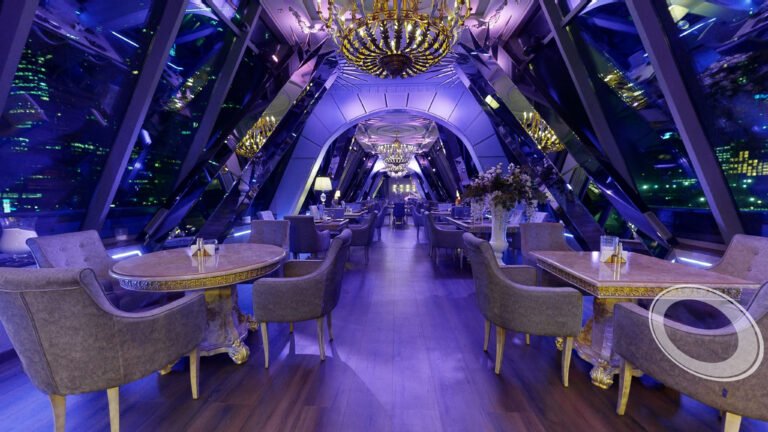
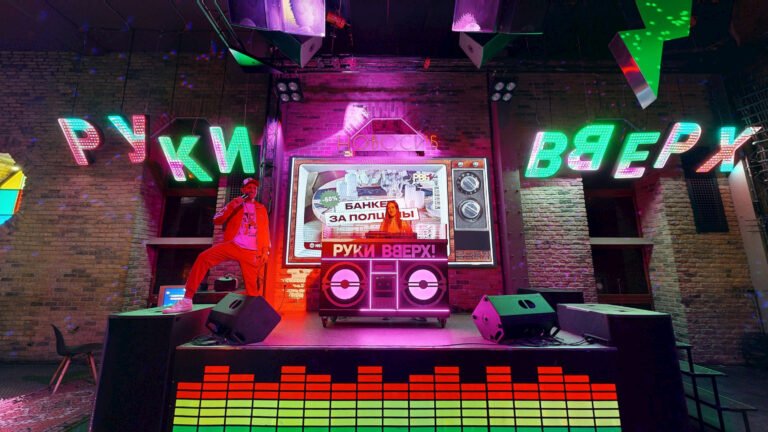
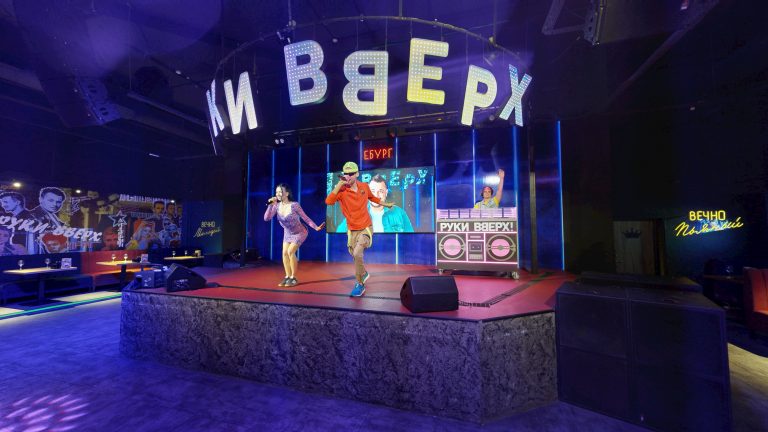
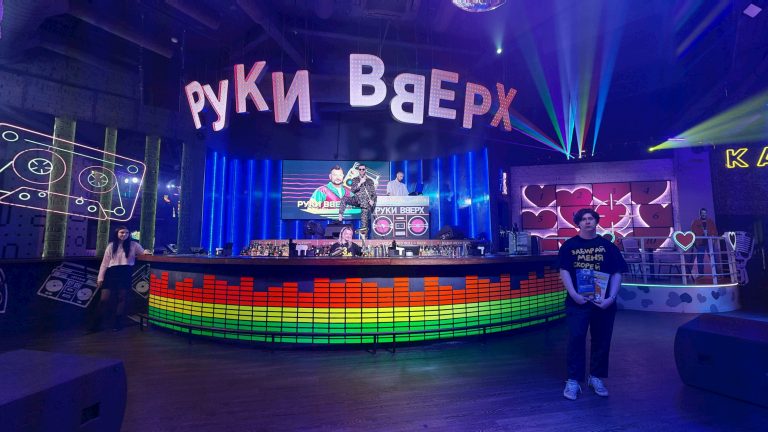
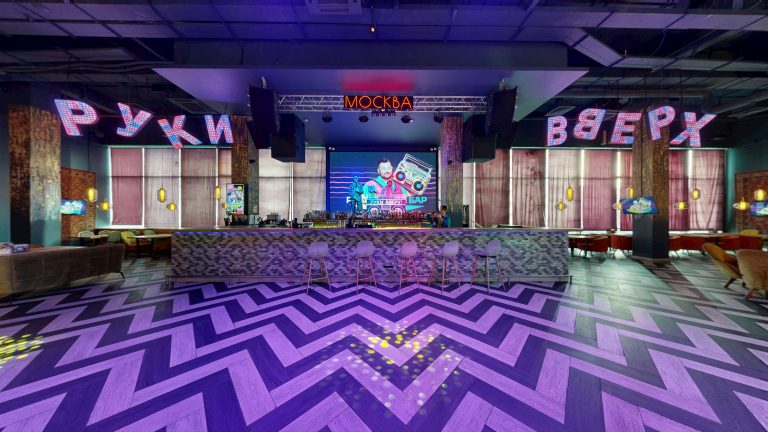
Want to explore some of Tyumen’s most atmospheric spots without leaving home? Discover our 3D tour of Ruki Vverkh! bar, an iconic venue where the spirit of the 90s lives on and the fun never stops. Created using Matterport Pro 3 technology, our tour lets you experience the venue’s distinctive atmosphere, explore every detail of the interior and plan your perfect evening in advance. Explore the dance floor, browse the cosy sofa areas, take a look behind the bar and imagine your favourite hits playing. The 3D tour lets you explore the space in detail, get a sense of its capacity, choose the best spot for your group or even plan a themed party. It is ideal for anyone looking for somewhere to unwind, celebrate or simply enjoy a little nostalgia. A 3D tour from 360°Space offers more than beautiful images: it lets you feel as though you are inside the bar and appreciate its scale and design. We have created a realistic model that captures the character and charm of Ruki Vverkh! You can now plan your way around the venue, choose a table and even picture where you will dance to your favourite songs. Discover Ruki Vverkh! through a fully immersive experience.
Format and result
Interactive presentation
Matterport. Explore the property in the published tour.
Project scope
The work, materials and handover are agreed for your task.
For a similar task
Discuss the audience, format, materials and viewing method. Scope and handover are set out in the proposal.
Where is the object located?
The location listed in the case is shown on the map. Travel feasibility, access and scheduling are discussed for the specific property.
What to discuss for a similar project
Task and audience
What should be shown and which action is expected from the visitor.
Content
What source materials already exist and what needs preparing.
Viewing method
Where the result will be available and which devices should be tested.
Handover and updates
Which materials, access and rights the customer needs after acceptance.
Frequently asked questions
What should I send for an estimate of a similar project?
Describe what you want to show, who it is for and where people will access the result. For a space, a floor plan, area and photographs are useful; for a product, send images, dimensions or existing models. Include any available materials and your preferred launch date so the scope of filming, content preparation and development can be defined.
How can we use the finished project on our website and other channels?
Publication depends on the format: an interactive project opens through a link or an embedded player, while video can be shared as a file or through a video service. Separate clips and images linking to the full experience can be prepared for social media. It is best to choose the channels and content versions before production.
What does project handover and ongoing support include?
The handover list specifies the finished materials, access details, instructions and terms of use. Source files, third-party licences and hosting are listed separately so editing options and future costs are clear. Support may include content updates, backups and further development; its scope depends on the chosen solution.
Similar Projects
Discuss a similar project
Leave a contact and describe the task to discuss scope and terms