

Virtual tour of a manufacturing facility, created using laser scanning data
An interactive 3D tour of the property. Matterport.
About the project
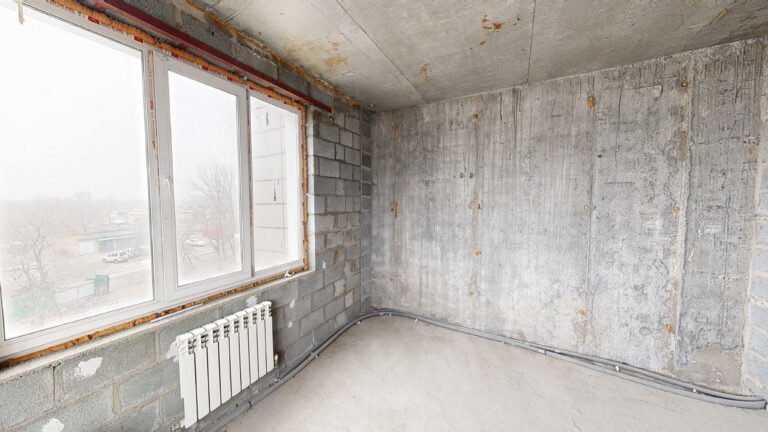
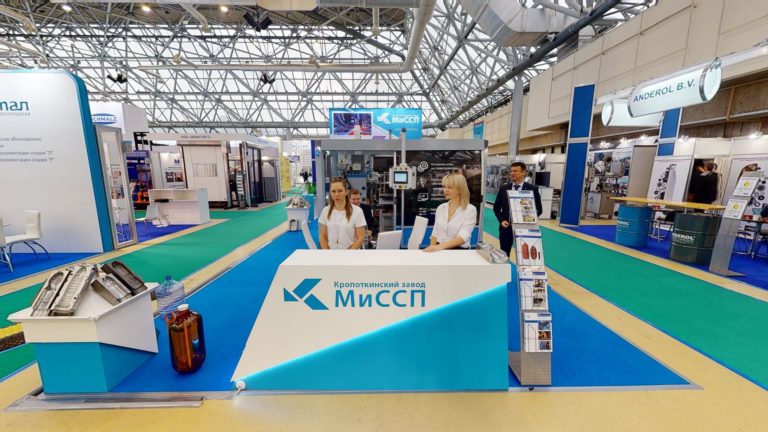
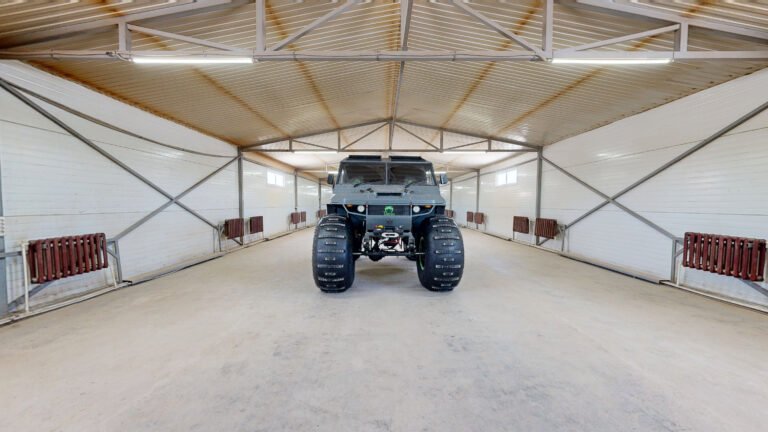
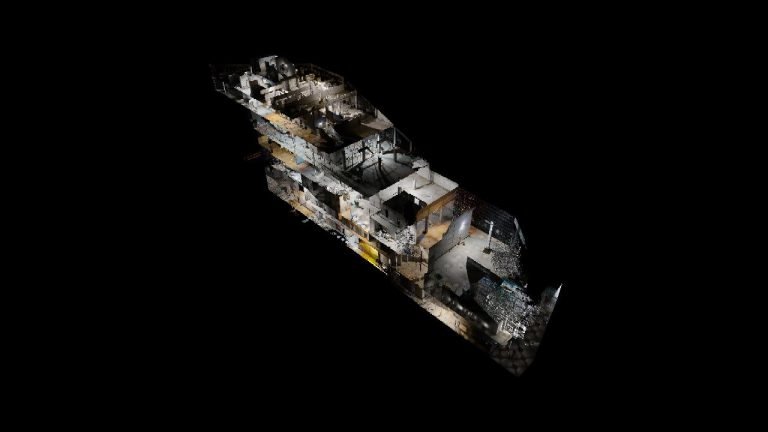
Would you like to see how exceptional products are made, or simply understand how manufacturing works? Now you can, from your home or office. Our virtual tour of a manufacturing facility, created from laser-scanning data, opens the door to a world of technology and craftsmanship. Walk through the workshops, look inside the laboratories and appreciate the scale and complexity of the work, all in fine detail with an immersive sense of being there. Go beyond presentations and photographs that capture only a fraction of the atmosphere. With a 3D tour, you take the lead: move between machines, view equipment from different angles and zoom in on anything that interests you. It is an ideal way for prospective partners to assess the facility's production capacity, for job applicants to explore a potential workplace and for curious visitors to broaden their knowledge. Planning a visit to the facility? Explore our virtual tour in advance to get your bearings and plan your visit. This saves time and lets you focus on what matters most. Assess the organisation, cleanliness and order, and see the high quality standards for yourself. With a 3D tour created from laser-scanning data, you can explore the facility before setting foot on site.
Format and result
Interactive presentation
Matterport. Explore the property in the published tour.
Project scope
The work, materials and handover are agreed for your task.
For a similar task
Discuss the audience, format, materials and viewing method. Scope and handover are set out in the proposal.
What to discuss for a similar project
Task and audience
What should be shown and which action is expected from the visitor.
Content
What source materials already exist and what needs preparing.
Viewing method
Where the result will be available and which devices should be tested.
Handover and updates
Which materials, access and rights the customer needs after acceptance.
Frequently asked questions
What should I send for an estimate of a similar project?
Describe what you want to show, who it is for and where people will access the result. For a space, a floor plan, area and photographs are useful; for a product, send images, dimensions or existing models. Include any available materials and your preferred launch date so the scope of filming, content preparation and development can be defined.
How can we use the finished project on our website and other channels?
Publication depends on the format: an interactive project opens through a link or an embedded player, while video can be shared as a file or through a video service. Separate clips and images linking to the full experience can be prepared for social media. It is best to choose the channels and content versions before production.
What does project handover and ongoing support include?
The handover list specifies the finished materials, access details, instructions and terms of use. Source files, third-party licences and hosting are listed separately so editing options and future costs are clear. Support may include content updates, backups and further development; its scope depends on the chosen solution.
Similar Projects
Discuss a similar project
Leave a contact and describe the task to discuss scope and terms